
SaaS Product Design
Product UI/UX Design
We design SaaS products tailored to your business needs and real-life user scenarios.

Not a template, but a solution for
your audience and task
Sounds familiar?
When does a SaaS product need an interface redesign?
Over time, any SaaS gets bogged down with complexity and loses conversions. We identify the UX bottlenecks that hinder both users and business, and rebuild the service from the ground up.
01 / First experience
Low conversion rate from trial to paid subscription
New users sign up, but drop off before experiencing the product's core value (Aha moment) due to a complex or confusing onboarding process.
02 / Daily Work
High customer churn rate (Churn Rate)
Existing users spend too much time on daily routine tasks due to unnecessary clicks, complex navigation, and cluttered dashboards.
03 / Product Development
The product has grown, and the interface has become cluttered
With the introduction of new features and pricing plans, the service's structure has lost its integrity—new features don't fit into the old logic and make scaling difficult.
Try it yourself
How the interface adapts to different user roles
Switch roles. The demo shows how the interface should change priorities, data, and the next action depending on who opened the product and why.

What You Get
What we build for SaaS products
We create designs from scratch or revamp the weak spots of an existing system. As a result, you get well-thought-out logic, interfaces, and a design system that allows developers to build the product without any hassle.
01 / First Introduction
Onboarding and an easy start
We design the sign-up and onboarding experience so users instantly see the service's value (the Aha moment) without having to read complicated instructions.
02 / Product Core
Easy navigation and user scenarios
We build a clear product structure where roles, channels, permissions, and modules are logically grouped around users' real everyday tasks.
03 / Daily Experience
Dashboards and Analytics Panels
We bring key metrics to the main screen, revealing details on demand. We simplify complex data to make decision-making effortless.
04 / Scaling
Design systems and UI kits
We develop a library of reusable components and guidelines to ensure new features and modules integrate quickly without creating interface chaos.
05 / All conditions
Handling all states (Edge Cases)
We detail empty states, errors, loading states, limits, and mobile versions so that the service remains clear and intuitive in any situation.
06 / Next Step
Handoff designs to development
We hand over clickable prototypes, UX scenarios, interactions, and specifications in Figma to developers, eliminating any ambiguity during front-end implementation.
Development Stages
UX/UI design and engineering process for SaaS products
We don't start with a pretty dashboard. First, we audit the product, analyze user journeys, and identify conversion drop-off points.
01 / Research
We analyze current metrics (Churn Rate, Retention), interview users, and examine support requests to identify friction points in the interface.
As a result, we have a map of problems and growth points
02 / Structure
We build role and access logic, create customer journey maps (CJM), and design interactive prototypes of key scenarios.
As a result, we have agreed logic and wireframes
03 / Design
We design dashboards, complex data tables, and onboarding flows. We also build scalable design systems (UI Kits) in Figma for rapid feature development.
As a result, we have a ready-made UI and design system
04 / Transfer
We prepare UI specifications, describe all component states, and conduct Design QA during layout development to ensure the implementation matches the mockups 1-to-1.
As a result, we have a release-ready SaaS product
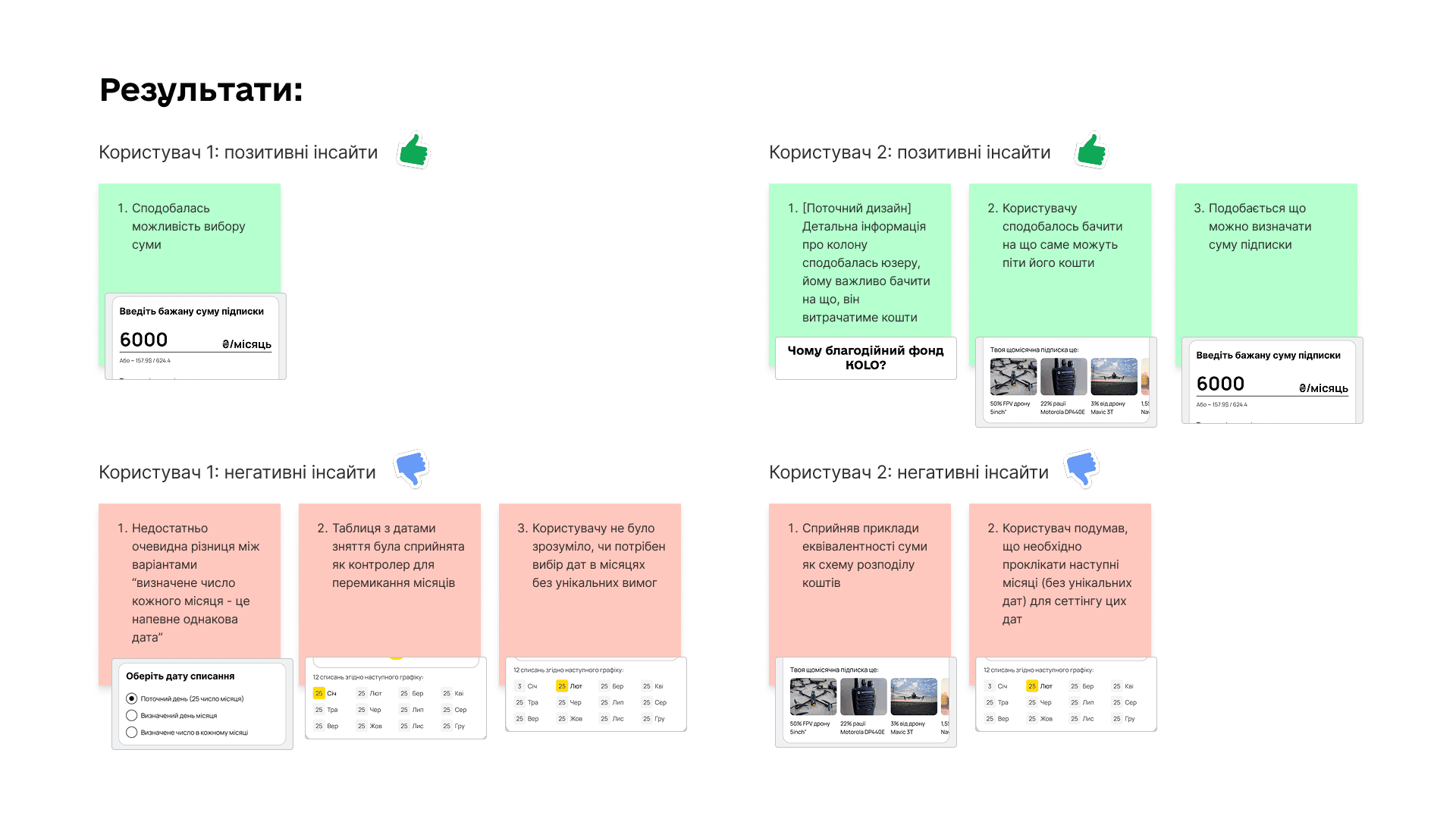
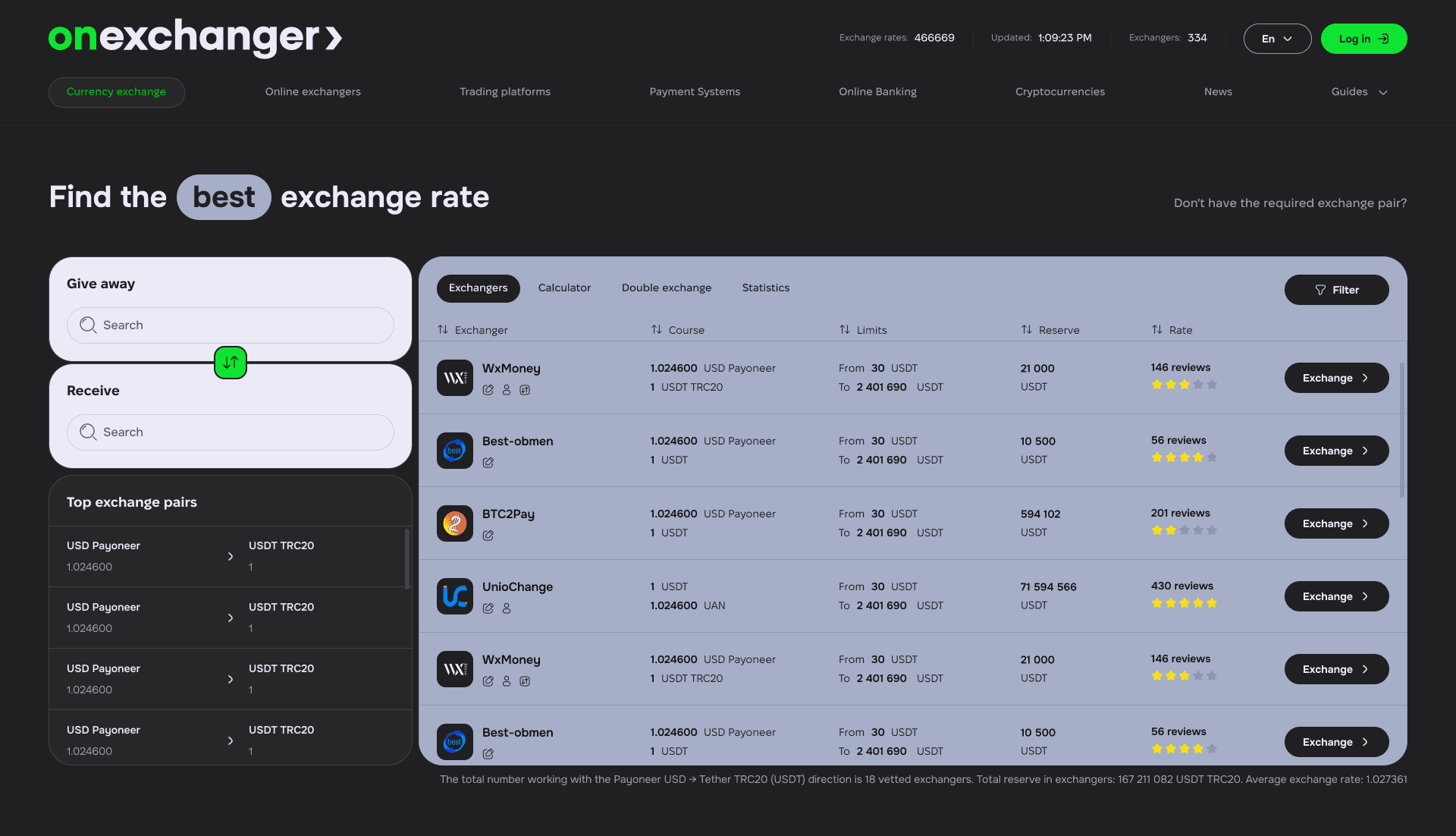
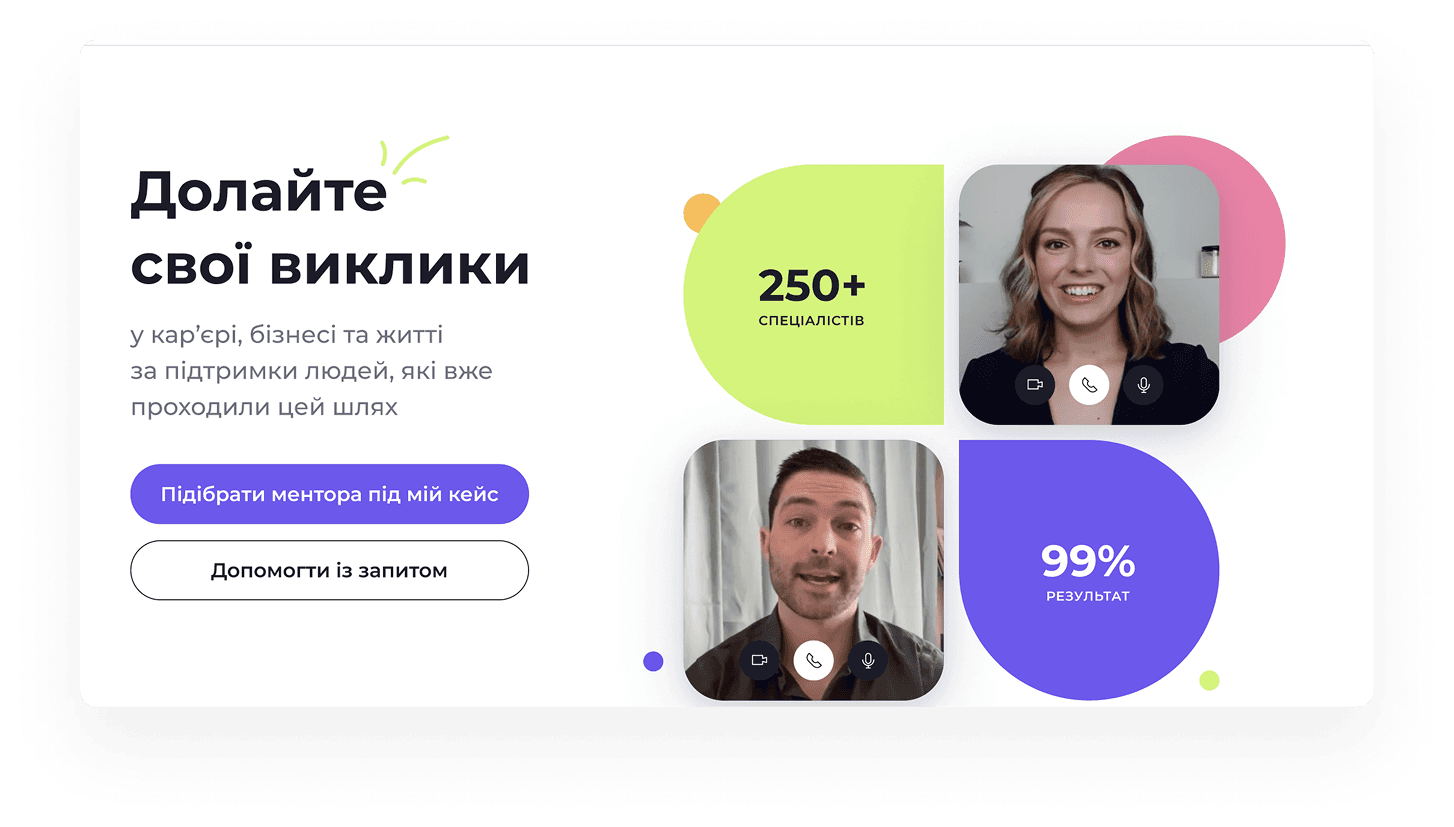
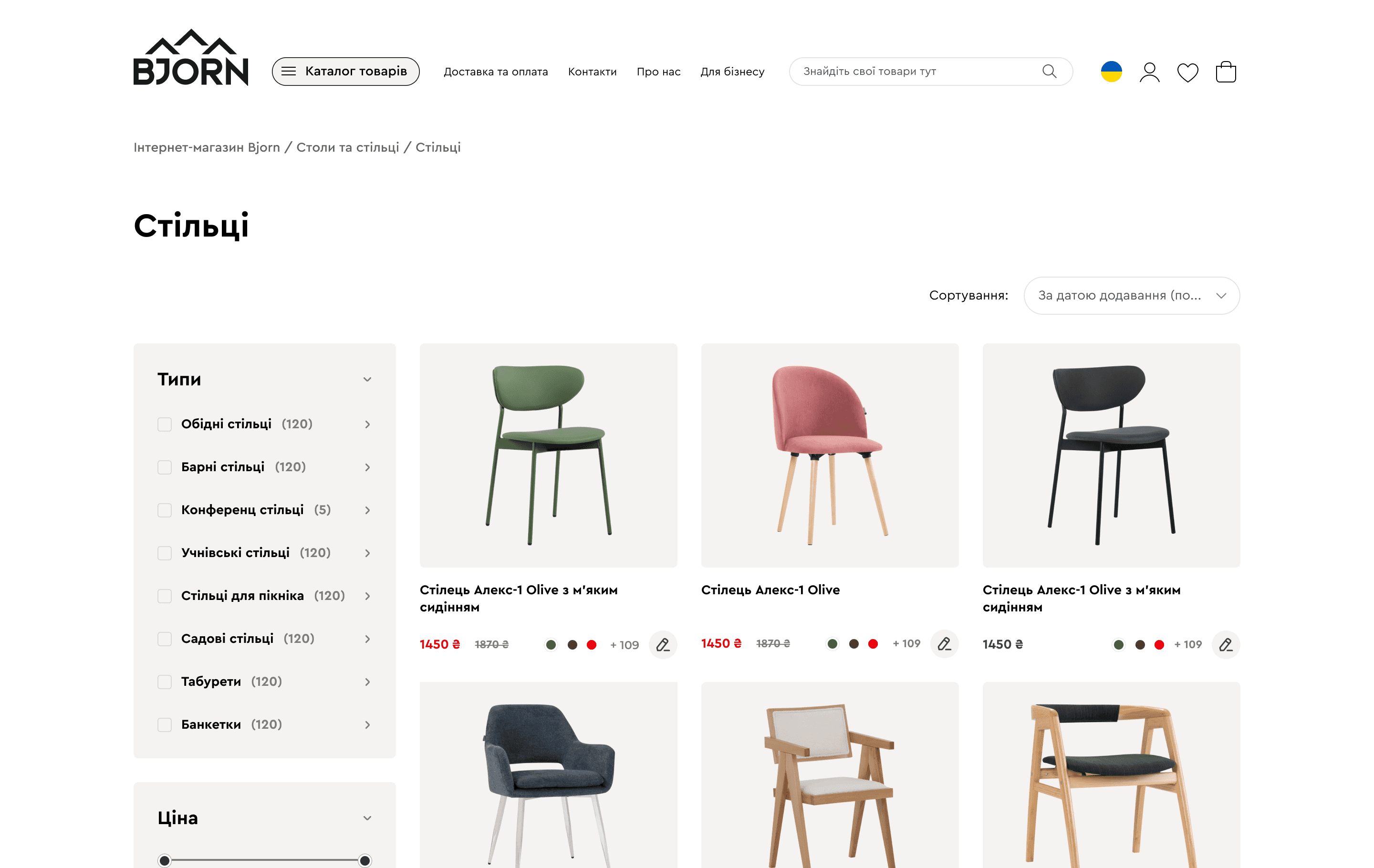
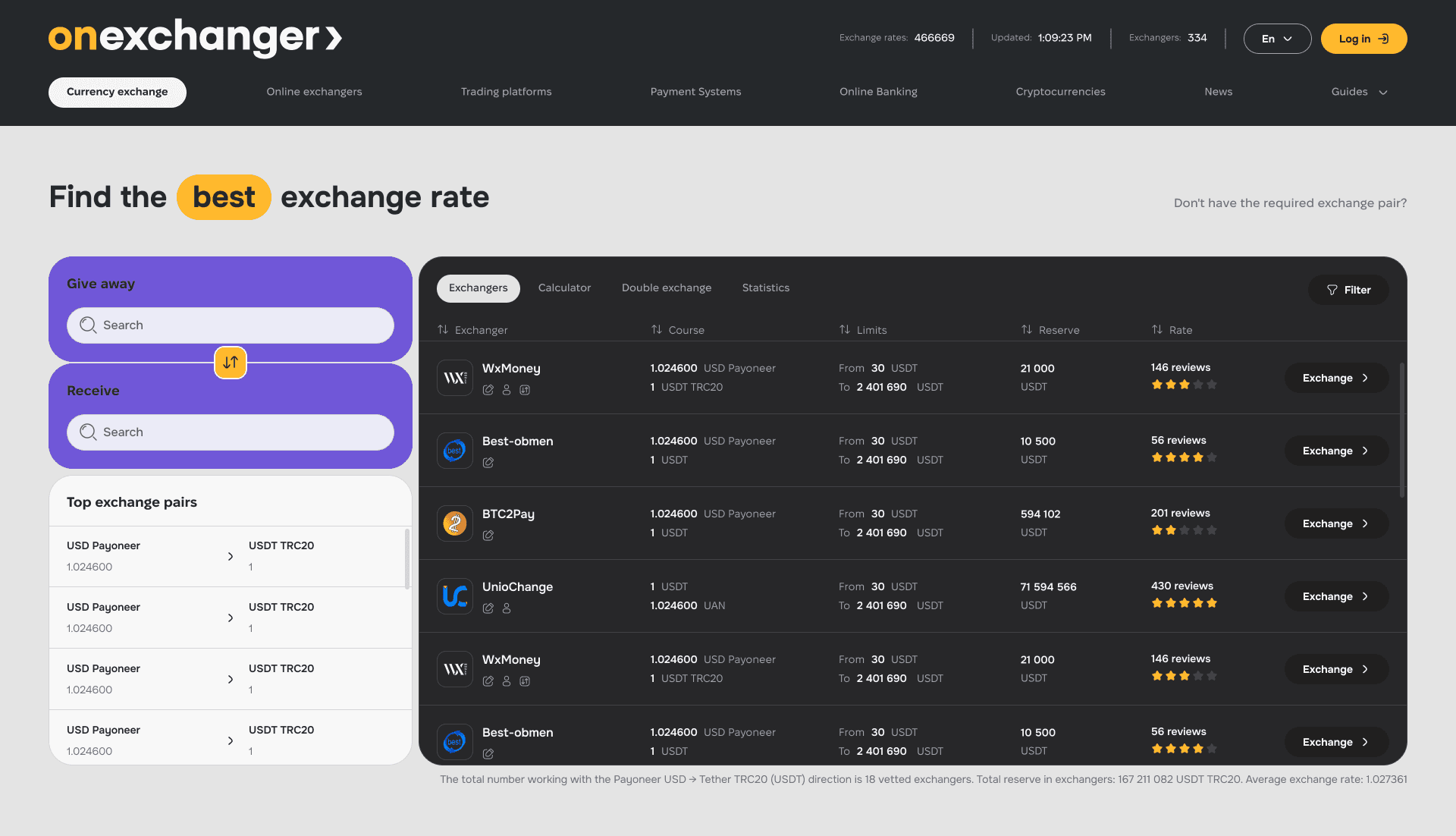
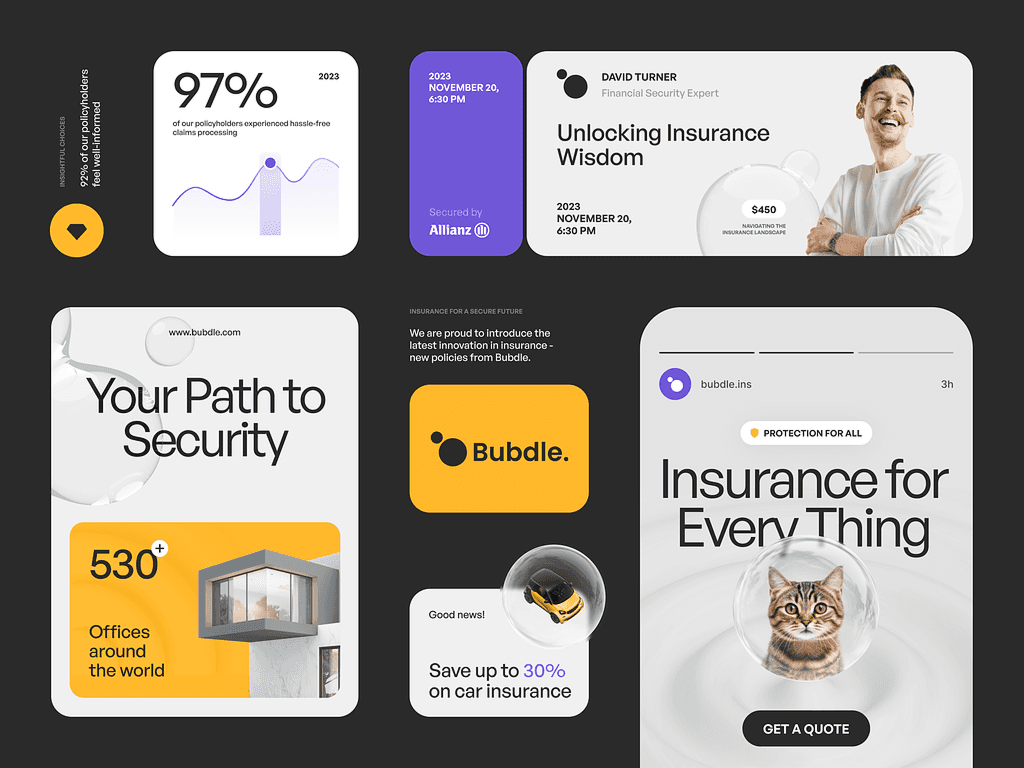
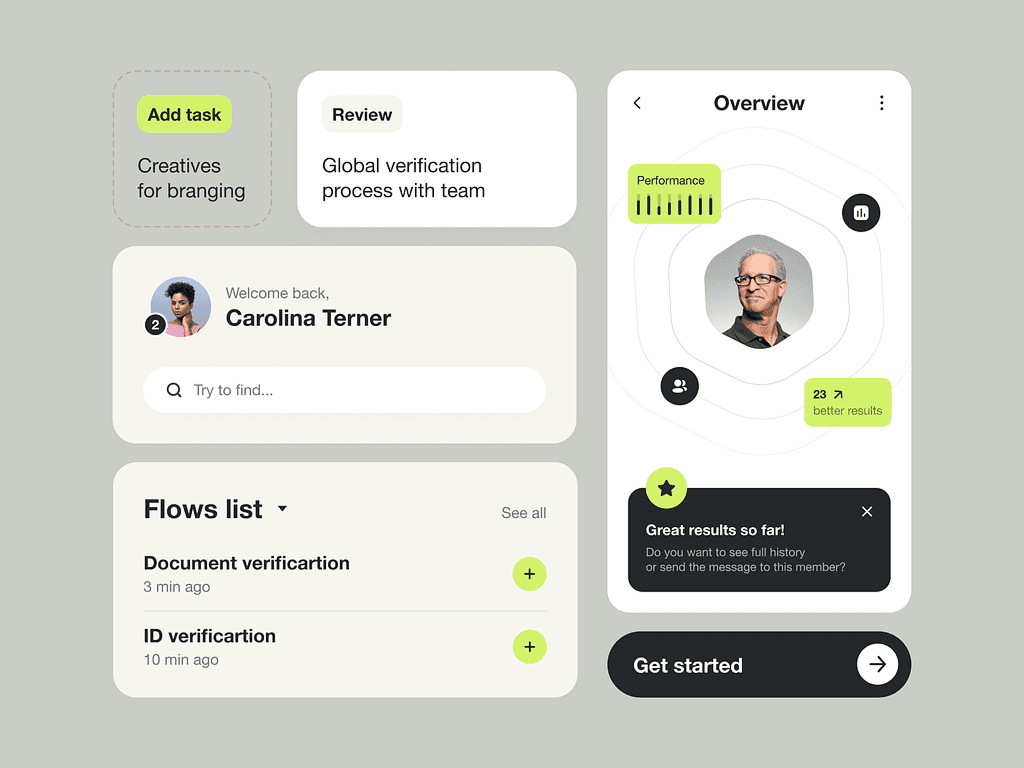
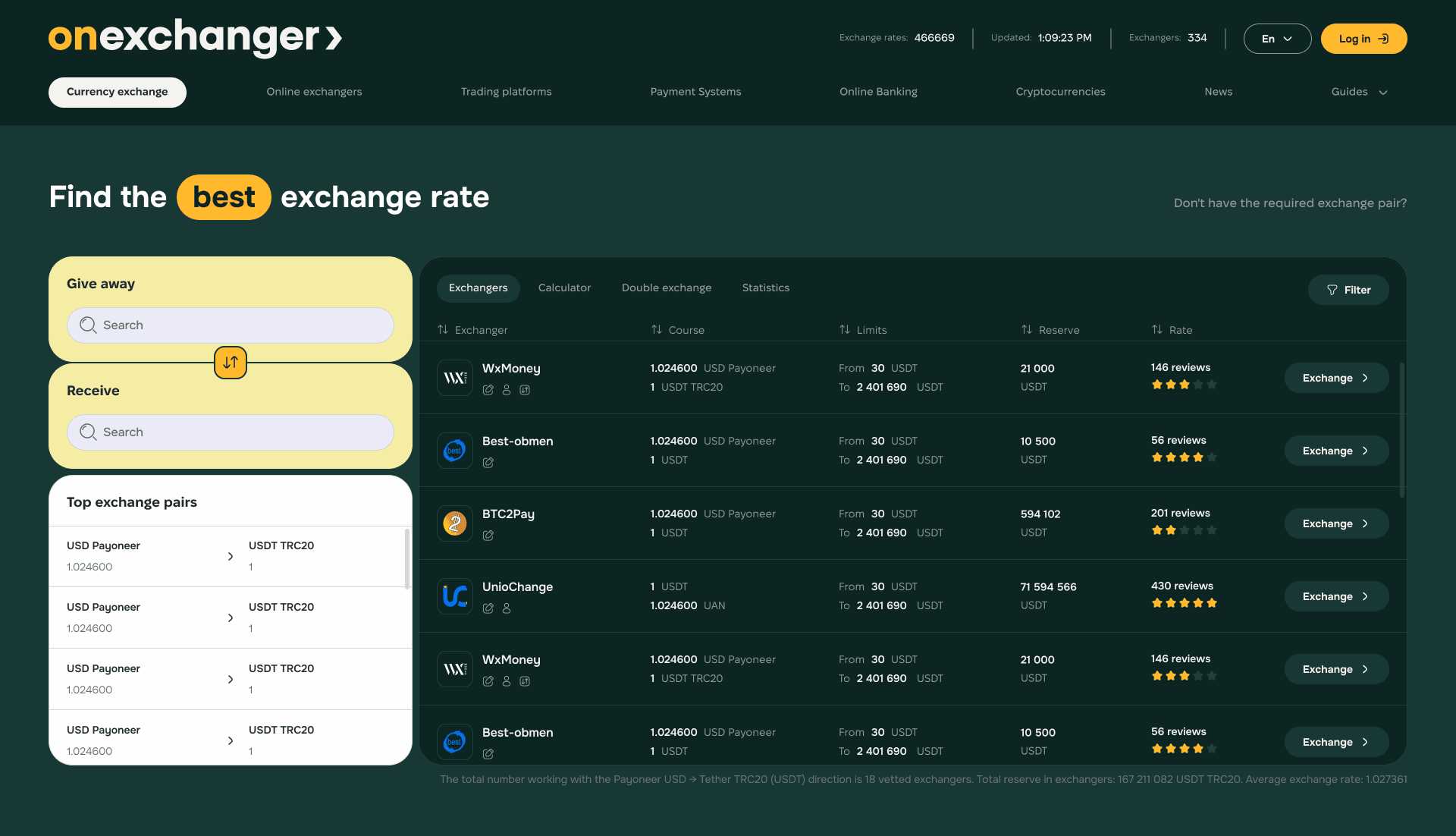
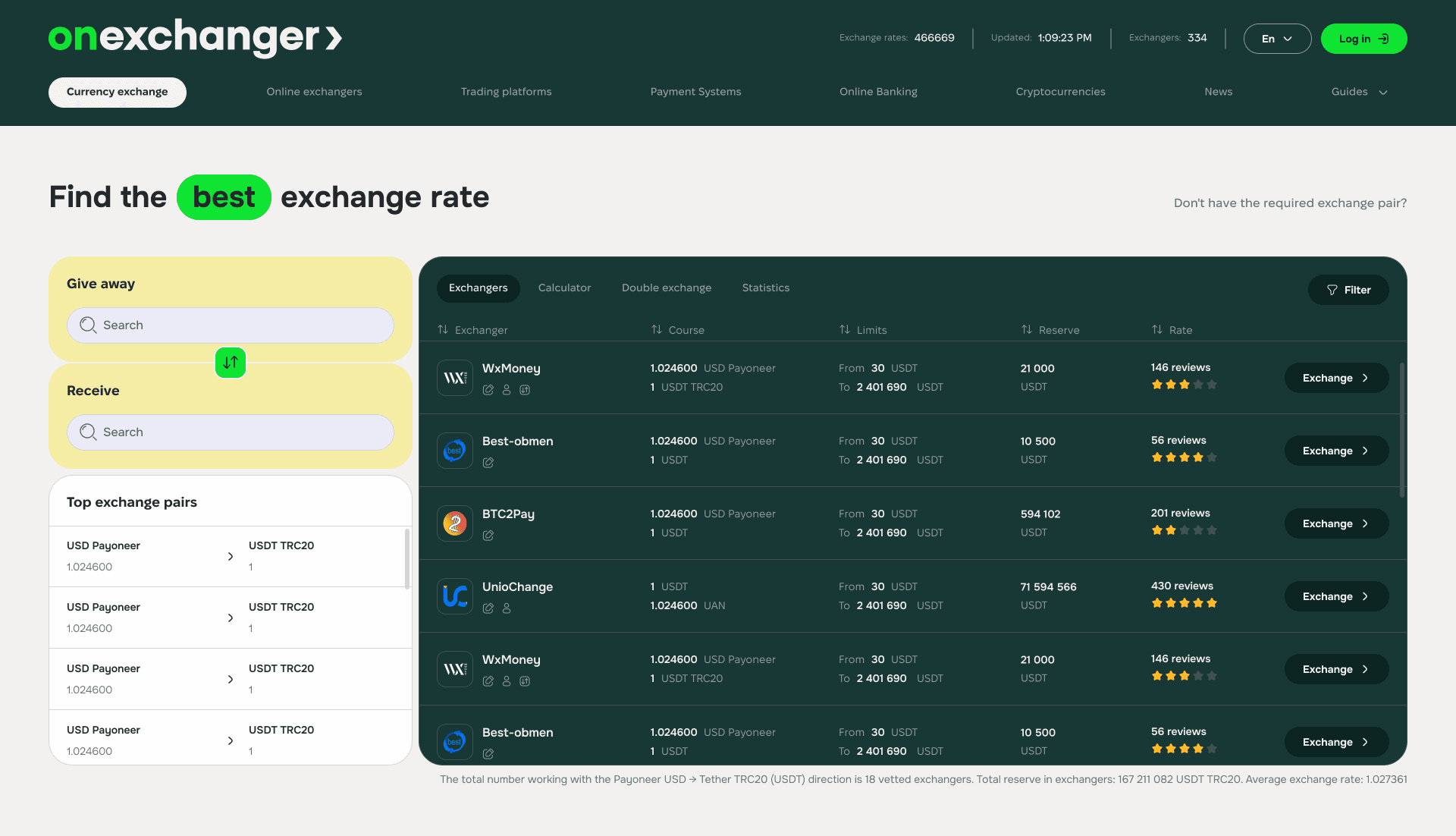
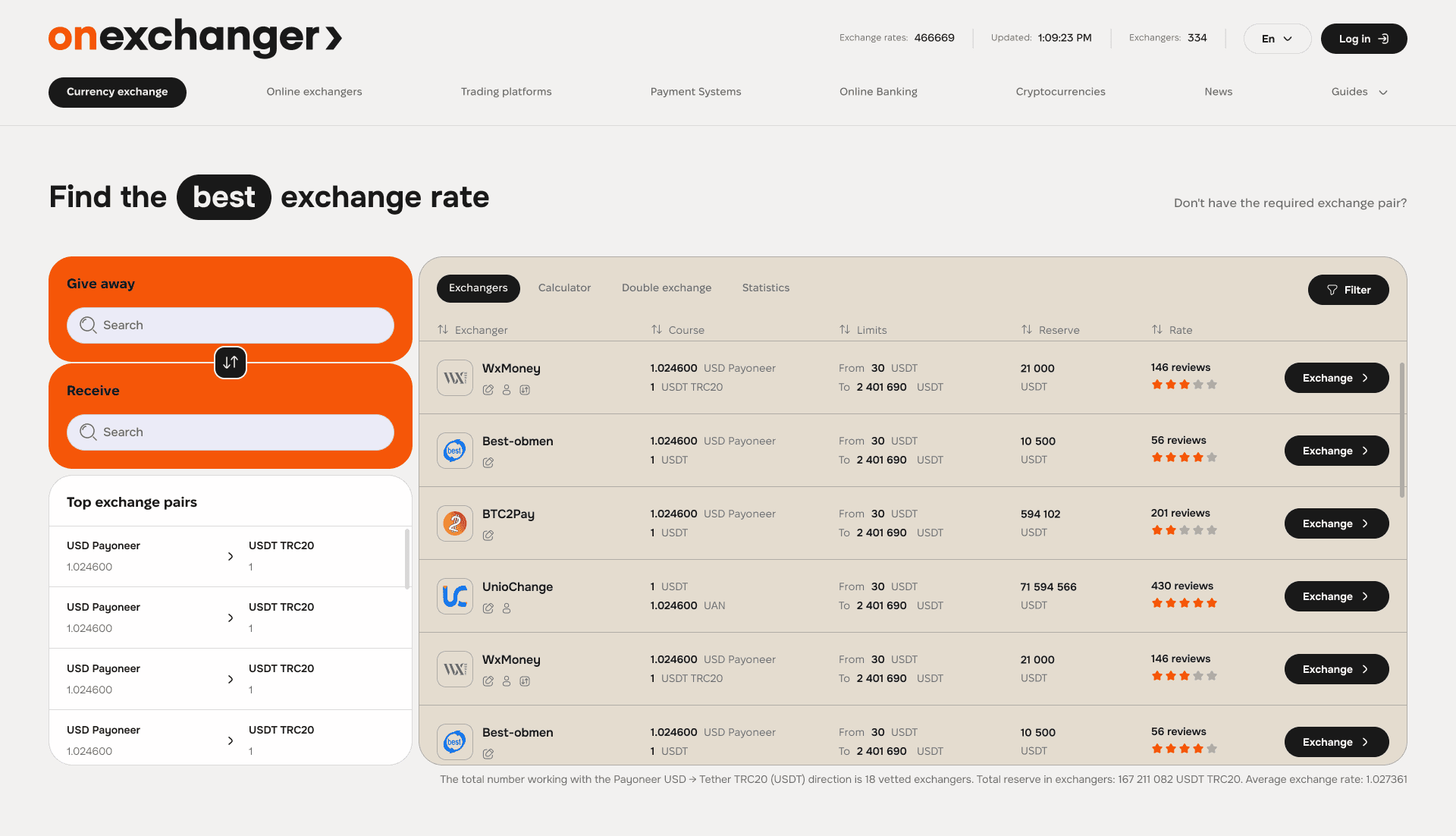
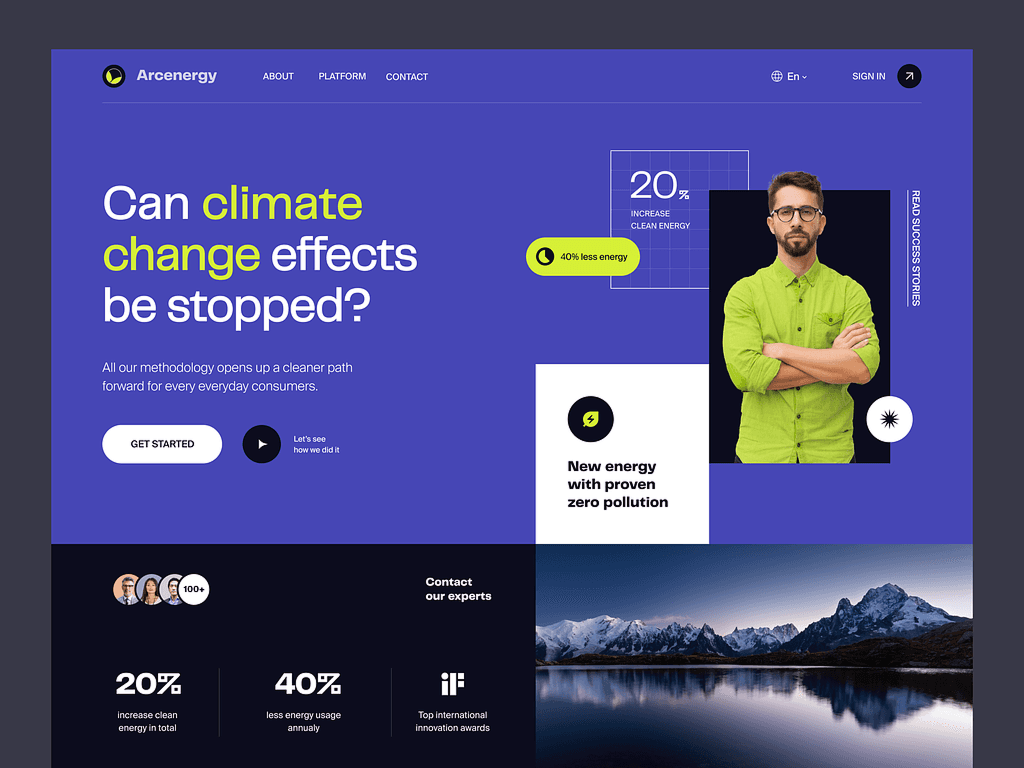
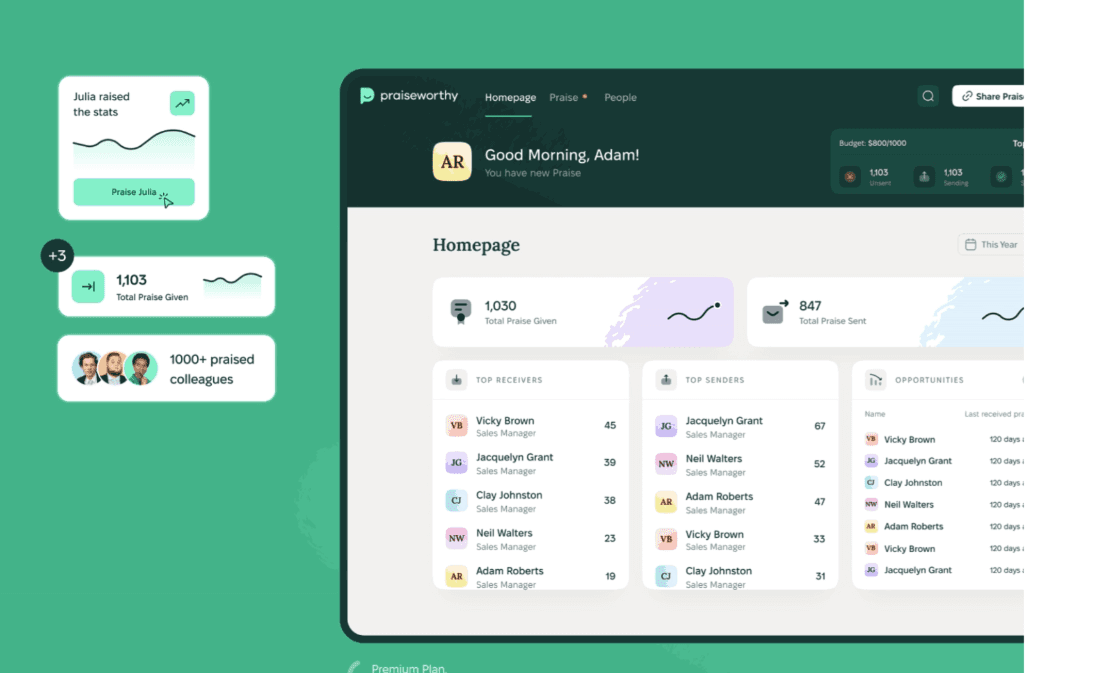
Blog
Writing about SaaS


Our experience
Successful SaaS Case Studies
We design products that help teams work faster, gain better control over processes, and make data-driven decisions.




Your product could be next…
Frequently Asked Questions
" width="68.80023495816431px"><path d="M 4.853 0.229 C 2.752 -0.794 0.742 1.857 0 3.31 C 0.62 7.42 0.421 10.396 0.244 11.37 C 1.34 12.771 4.906 13.54 5.957 11.548 C 7.007 9.558 7.477 1.511 4.852 0.23 Z" fill="rgb(255, 255, 255)" height="12.755288116790886px" id="ZCZVTiIXa" stroke-dasharray="" stroke-linecap="butt" stroke-linejoin="miter" stroke-miterlimit="10" stroke-width="1.23" stroke="rgb(0, 0, 0)" transform="translate(62.007 43.767)" width="6.793097659580333px"/><path d="M 0 0 C 1.437 0.617 2.272 3.716 0.258 5.234" fill="transparent" height="5.233798974902236px" id="AacllobhZ" stroke-dasharray="" stroke-linecap="butt" stroke-linejoin="miter" stroke-miterlimit="10" stroke-width="1.23" stroke="rgb(0, 0, 0)" transform="translate(64.709 47.658)" width="1.4545419866479055px"/><path d="M 1.94 0.229 C 4.041 -0.794 6.051 1.857 6.794 3.31 C 6.173 7.42 6.372 10.396 6.549 11.37 C 5.454 12.771 1.887 13.54 0.837 11.548 C -0.214 9.558 -0.684 1.511 1.94 0.23 Z" fill="rgb(255, 255, 255)" height="12.755288116790886px" id="pEDJQVy2w" stroke-dasharray="" stroke-linecap="butt" stroke-linejoin="miter" stroke-miterlimit="10" stroke-width="1.23" stroke="rgb(0, 0, 0)" transform="translate(0 43.767)" width="6.7942440549467005px"/><path d="M 1.455 0 C 0.018 0.617 -0.818 3.716 1.197 5.234" fill="transparent" height="5.233798974902236px" id="xOvJKZNxm" stroke-dasharray="" stroke-linecap="butt" stroke-linejoin="miter" stroke-miterlimit="10" stroke-width="1.23" stroke="rgb(0, 0, 0)" transform="translate(2.638 47.658)" width="1.4550601551503437px"/><path d="M 38.403 68.113 C 26.454 72.892 13.11 63.334 7.932 57.955 C 2.196 50.786 0.363 36.246 0.164 29.874 C -0.314 26.05 0.363 17.527 0.763 13.743 L 3.749 5.376 L 14.504 1.195 L 37.806 0 C 39.997 0.398 45.454 1.553 49.755 2.987 C 55.133 4.78 57.522 13.742 58.121 16.133 C 58.599 18.044 58.32 34.853 58.121 43.019 C 57.522 47.798 53.341 62.138 38.403 68.113 Z" fill="rgb(255, 255, 255)" height="69.41149940138297px" id="yZYyIx6io" stroke-dasharray="" stroke-linecap="butt" stroke-linejoin="round" stroke-width="1.23" stroke="rgb(0, 0, 0)" transform="translate(4.872 16.589)" width="58.38457217823136px"/><path d="M 16.131 9.081 C 13.941 3.704 7.648 -4.303 0 6.69 C 2.191 10.675 8.485 16.728 16.131 9.081 Z M 28.678 7.886 C 30.868 2.508 37.162 -5.497 44.809 5.496 C 42.619 9.479 36.326 15.534 28.678 7.886 Z" fill="transparent" height="12.75153470949805px" id="Q5nplVQds" stroke-dasharray="" stroke-linecap="butt" stroke-linejoin="miter" stroke-miterlimit="10" stroke-width="1.23" stroke="rgb(0, 0, 0)" transform="translate(11.605 43.954)" width="44.80918164991997px"/><path d="M 0 4.182 C 0 1.872 1.872 0 4.182 0 C 6.492 0 8.364 1.872 8.364 4.182 C 8.364 6.492 6.492 8.364 4.182 8.364 C 1.872 8.364 0 6.492 0 4.182 Z" fill="rgb(0, 0, 0)" height="8.364249629374285px" id="CsixW4Nye" transform="translate(43.274 45.863)" width="8.364249629374271px"/><path d="M 0 4.182 C 0 1.872 1.872 0 4.182 0 C 6.492 0 8.364 1.872 8.364 4.182 C 8.364 6.492 6.492 8.364 4.182 8.364 C 1.872 8.364 0 6.492 0 4.182 Z" fill="rgb(0, 0, 0)" height="8.364249629374264px" id="mtQGxWjK3" transform="translate(14.591 47.061)" width="8.364249629374267px"/><path d="M 0 1.195 C 0 0.535 0.535 0 1.195 0 C 1.856 0 2.391 0.535 2.391 1.195 C 2.391 1.856 1.856 2.391 1.195 2.391 C 0.535 2.391 0 1.856 0 1.195 Z" fill="rgb(255, 255, 255)" height="2.3908386866572187px" id="w8AgI4KSu" transform="translate(48.05 48.255)" width="2.390838686657247px"/><path d="M 0 1.195 C 0 0.535 0.535 0 1.195 0 C 1.856 0 2.391 0.535 2.391 1.195 C 2.391 1.856 1.856 2.391 1.195 2.391 C 0.535 2.391 0 1.856 0 1.195 Z" fill="rgb(255, 255, 255)" height="2.3908386866572187px" id="RFyjFdh2K" transform="translate(19.375 49.451)" width="2.3908386866572506px"/><path d="M 4.036 1.556 C 1.73 1.146 0.385 3.427 0 5.128 C 2.306 3.086 4.036 3.257 4.613 3.596 C 6.459 5.23 11.149 5.299 13.263 5.128 C 17.876 4.618 15.569 1.554 13.84 2.065 C 12.616 2.425 6.919 2.065 4.036 1.554 Z M 40.698 0.085 C 43.061 -0.431 44.581 1.513 45.076 3.004 C 42.574 1.336 40.795 1.601 40.218 1.943 C 38.402 3.519 33.557 3.889 31.36 3.875 C 26.562 3.724 28.774 0.842 30.591 1.184 C 31.876 1.424 37.746 0.73 40.698 0.085 Z" fill="rgb(0, 0, 0)" height="5.192087782726427px" id="gD39dSMek" stroke-dasharray="" stroke-linecap="butt" stroke-linejoin="miter" stroke-miterlimit="10" stroke-width="1.23" stroke="rgb(0, 0, 0)" transform="translate(11.346 36.58)" width="45.07578690879518px"/><path d="M 56.257 17.784 C 61.635 20.772 61.235 35.509 60.439 42.878 C 58.528 41.444 57.65 36.305 57.451 33.917 C 57.451 20.054 45.9 18.183 40.125 18.979 C 33.91 22.325 22.798 21.17 18.017 20.175 C 4.634 18.741 2.086 35.51 2.484 44.073 C 1.05 39.772 1.488 30.332 1.886 26.148 C 0.93 25.671 -0.106 21.967 0.093 20.175 C -0.385 17.306 1.089 16.192 1.886 15.993 C 0.452 13.124 1.289 11.212 2.484 10.615 C 1.05 8.224 4.675 5.238 6.666 4.042 C 6.187 2.13 9.255 1.253 10.848 1.055 C 10.848 0.1 15.23 0.259 16.823 1.055 C 17.779 -0.856 21.602 0.259 23.396 1.055 C 25.187 -1.334 31.163 2.25 31.76 1.653 C 32.357 1.054 43.71 4.042 50.283 8.225 C 55.541 11.57 56.456 15.991 56.257 17.784 Z" fill="rgb(0, 0, 0)" height="44.07331699872831px" id="IBXo1afcW" stroke-dasharray="" stroke-linecap="butt" stroke-linejoin="round" stroke-width="1.23" stroke="rgb(0, 0, 0)" transform="translate(3.149 0)" width="60.90540811136909px"/><path d="M 4.914 8.6 C 4.928 7.32 3.966 4.3 0 2.457 M 14.743 6.143 C 14.758 4.863 13.795 1.843 9.829 0 M 25.8 6.143 C 25.815 4.863 24.852 1.843 20.886 0 M 38.086 9.829 C 38.1 8.549 37.138 5.529 33.172 3.686" fill="transparent" height="9.828730631218367px" id="yF9hvy0D6" stroke-dasharray="" stroke-linecap="butt" stroke-linejoin="miter" stroke-miterlimit="10" stroke-width="1.23" stroke="rgb(255, 255, 255)" transform="translate(10.118 1.229)" width="38.08647011135237px"/><path d="M 15.972 6.143 C 12.985 1.508 5.609 -4.983 0 6.143" fill="transparent" height="6.143186797809202px" id="S7kDdhPuD" stroke-dasharray="" stroke-linecap="butt" stroke-linejoin="round" stroke-width="1.23" stroke="rgb(0, 0, 0)" transform="translate(27.028 65.115)" width="15.971687012612456px"/><path d="M 3.106 0.493 C 4.998 3.584 7.703 9.993 3.395 10.901 C -1.99 12.035 0.346 1.417 1.566 0" fill="transparent" height="10.985871866875232px" id="m1g0PK9jZ" stroke-dasharray="" stroke-linecap="butt" stroke-linejoin="round" stroke-width="1.23" stroke="rgb(0, 0, 0)" transform="translate(31.777 54.002)" width="5.699674962042929px"/></g></svg>)